Photos and other images
Use great images to capture attention and communicate better.
Get consent
To share images of people, you need consent (with a few exceptions).
Upload the images you take and are going to use to Imageshop, which is UiT's image bank. Imageshop has its own consent form that you send to the person you have photographed.
Alternatively, you can use this form (Nettskjema, Norwegian only) and have consent sent to you by email.
Make sure that the consent is voluntary and that those who are depicted have received sufficient information about image use and rights. Read more in the Personal Data Act.
Keep the consent and documents where the images have been used, as consent can be withdrawn.
The Section for Student Recruitment, Marketing and Graphic Services oversees the form and all submitted consents.
Last changed: 09.10.2025
Printvennlig innhold: This is how:
You need consent from people who are the main subject of a picture, regardless of whether it is an editorial or an illustrative photo.
The person taking the photo/filming is responsible for obtaining consent and informing the person being photographed/filmed of what rights they have.
Last changed: 09.10.2025
Printvennlig innhold: Images that require consent
You can both take and publish pictures without consent if the situation or activity is the actual subject. In addition,
- the picture must not be offensive to those depicted
- the picture must be current and of general interest
- the person(s) depicted must be less important than the main content of the picture
Examples of such pictures can be a group of people at a concert, an event or an event of general interest. You also do not need written consent to take pictures of people who are part of the event, such as speakers, artists, etc.
There will often be a question of definition about what is a situational picture, and what is a portrait. If in doubt, you should get consent.
Last changed: 09.10.2025
Printvennlig innhold: Images that don't require consent
Some people wish to protect themselves from photography and filming, even in situations where it is permitted. We shall respect this as far as possible.
Last changed: 09.10.2025
Printvennlig innhold: Individuals' right to opt out
Finding images online
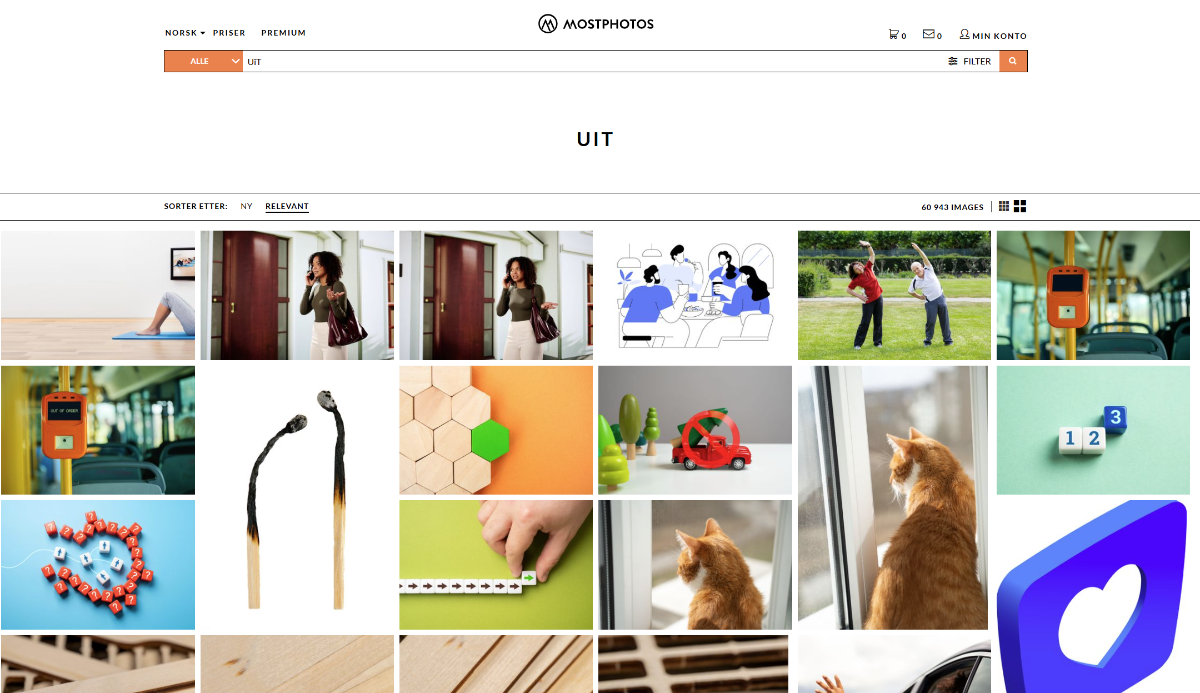
You have access to two image banks at UiT: Imageshop, where you can find our own and purchased images, and Mostphotos, an external archive of stock images.
You must always present who took the image, or created the illustration or video. Use this format: name / company. For example, Fredrik Hansen / Mostphotos.com or Line Hansen / UiT. If it's a private creator, either write just their name or use "Used by permission".
Remember: You must always have rights to use the image. If it is not specified in the file(name), ask the photographer. Read more about image rights at NTB.
Last changed: 09.10.2025
Printvennlig innhold: How to credit photos, illustrations (and videos)
In UiT's image bank, Imageshop, you will find images taken by our own photographers or on behalf of UiT. The archive is continuously updated with new images.
Here's how to proceed:
- Go to uitansatt.imageshop.no.
- Log in with your UiT username and password (Feide/AD).
- Search for what you need, for example "Administration building".
- Click on the image you want to use to see info and download options.
- Check that you have permission to use the image for your purpose. If you are unsure, contact foto@uit.no.
- Download the size you want.
Guidelines for using the image bank
The images can be freely used for editorial purposes, as long as all consents are in order. They may not be sold or shared with third parties without permission from UiT.
When you use the images, you accept these guidelines:
- Ownership: The images belong to UiT, unless otherwise stated. They can be used in all contexts where UiT is listed as the sender.
- Consent: Images with people must have an approved consent form through Imageshop's internal consent module.
- Agreement: Some images can only be used by agreement.
- Credit: UiT and the photographer must always be credited. For example © UiT / Ola Nordmann.
- Responsibility: You are responsible for how the images are used. Contact foto@uit.no if you are unsure about the use.
For access to upload images, contact tommy.hansen@uit.no.
Imageshop also has an open section without login requirements: uit.imageshop.no. This archive contains a small selection of images that are quality assured and intended for the press and others.
Last changed: 09.10.2025
Printvennlig innhold: Imageshop
All employees and students have access to the image database mostphotos.com
You can use the images in all UiT contexts, such as marketing, publications, websites and teaching.
UiT has a monthly limit of 600 downloads. Once the quota is used up, no one can download more images until the next month. Therefore, please use some restraint when downloading.
How to create a user
To gain access to MostPhotos, you must create an account by submitting this order form in TOPdesk (Norwegian only).
Important: Do not create a user yourself, as you will not be linked to UiT's agreement and will have to pay for the download.
If you work editorially and need access to limited editorial images, remember to state this in your order.
Remember to credit the images
This is how the images should be credited: name of artist / mostphotos.com. If possible, it is nice to include a link.
You can find more information about MostPhotos here (PDF, Norwegian only).
Last changed: 13.10.2025
Printvennlig innhold: Mostphotos
6 photography-tips
Are you going to film too? Here are our fimling-tips.
Feel free to use photo equipment when you are going to take photos or film. This will increase the chance of good quality sound and images.
However, there is nothing wrong with using your mobile phone. In most cases, it will be more than good enough in decent sorroundings and conditions.
Last changed: 10.10.2025
Printvennlig innhold: 1 Your phone is often enough
Check that the camera is set to the highest resolution possible. You can check this in the settings in the photo app on your mobile phone or in the camera you are using.
Last changed: 10.10.2025
Printvennlig innhold: Use decent resolution
Get in close! This will make the pictures better and wiith less irrelevant content.
Last changed: 10.10.2025
Printvennlig innhold: Go close
Take pictures in both landscape and portrait format, if possible. Then you'll have pictures that are suitable for multiple platforms.
For social media, portrait pictures are good.
Read more about image use in social media here.
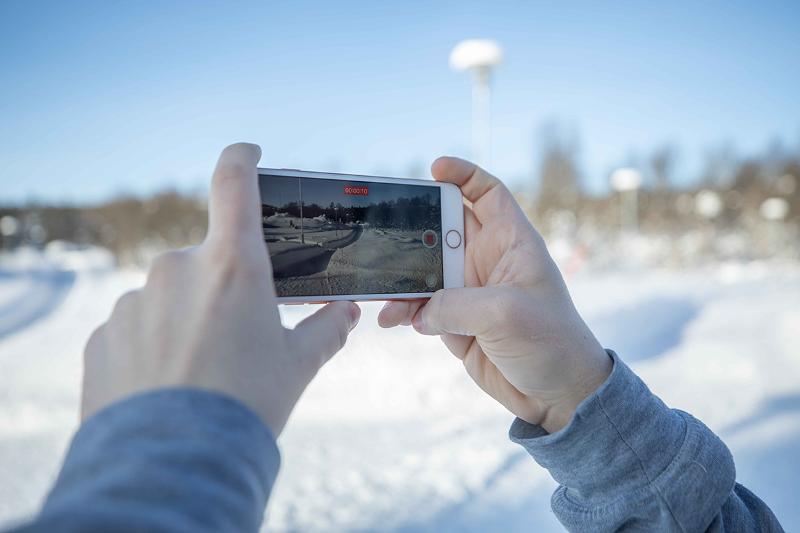
Ta gjerne bilete i både ståande og liggande format. Foto: Jonatan Ottesen
Last changed: 13.10.2025
Printvennlig innhold: Portait or landscape?
Light is crucial for a good picture. Make sure the subject is well lit.
Sunlight: Avoid making the background too bright and the main subject too dark. Go into the shade, or psition the subject in front of the light for a nice effect, especially for portraits.
Last changed: 10.10.2025
Printvennlig innhold: Get enough light
Make sure the background is not cluttered or distracting from the subject.
Classic mistake: A lamp or sign sticking up behind the person's head so it looks like antlers.
Last changed: 10.10.2025
Printvennlig innhold: Check the background
Other sources for images
- Wikimedia Commons: Images, video and audio with a Creative Commons license (CC license).
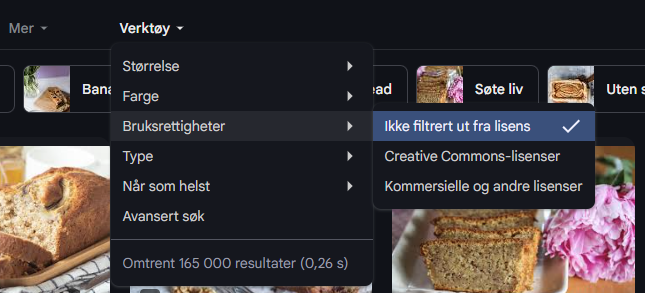
- Flickr and Google: Search for images with a CC license.
Remember to check the license for each image, i.e. how you can use it. See an overview of licenses at creativecommons.org