Normal subpages
Normal subpages are blank pages that are manually filled with the content you wish.
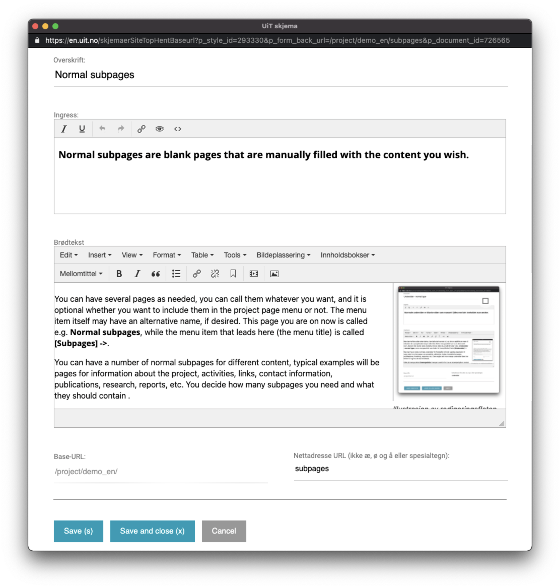
You can have several pages as needed, you can call them whatever you want, and it is optional whether you want to include them in the project page menu or not. The menu item itself may have an alternative name, if desired. This page you are on now is called e.g. Normal subpages, while the menu item that leads here (the menu title) is called [Subpages] ->.
You can have a number of normal subpages for different content, typical examples will be pages for information about the project, activities, links, contact information, publications, research, reports, etc. You decide how many subpages you need and what they should contain.
Click on the menu item Sample page in the menu above to see an example of a normal subpage, with a description of the structure.
It is always possible to delete or add new subpages later.
You can also choose to use some of the default pages, read more about these by clicking on [Default pages] in the menu above.